


Stencil Cutting Secrets
How To Use Your Silhouette Cameo to Cut Your Own Stencils
Learn to make clean cuts and beautiful prints.
Cut your own SVG stencils for art journaling and gel plate printing.
✂️ Cut your own path. Print your own magic. ✨
Stencil Cutting Secrets is a bite-sized, joy-filled mini-course that shows you how to cut your own beautiful, clean SVG stencils using your Silhouette Cameo—perfect for gel printing and art journaling magic. Whether you're a curious beginner or a seasoned maker, you'll learn exactly what to do (and what not to do!) to get crisp, print-ready stencils—without the tech headaches.
Unlock the Creative Possibilities
You downloaded a SVG digital stencil file, opened Silhouette Studio…
… and immediately got stuck.
Why won’t it cut cleanly?
Why is the software such a pain?
How do other artists make it look so easy?
You're not alone.
And with this calm, fun, and frustration-free mini-course, you’ll learn exactly how to cut your own beautiful stencils like a pro— without the overwhelm.
👩🎨 This Mini-Course is for You if:
✨ You’re curious about making your own stencils
✨ You love gel printing, mixed media, or art journaling
✨ You’ve tried to cut an SVG file… and wanted to scream
✨ You crave clean cuts, smooth printing, and creative control
✨ You want a calm, clear guide who’s been there (hi 👋)
What You’ll Learn 🧠
By the end of this mini-course, you'll know exactly how to go from “SVG what now?” to confidently cutting clean, beautiful stencils—ready to use in your next gel printing or art journaling session.
Here’s what we’ll cover:
🔹 What Makes a Great SVG Stencil
Learn the key features of stencil designs that actually work for gel printing—plus how to prep your own files or freebies so they cut cleanly every time.
🔹 Choosing & Prepping Your Materials
From mylar to cardstock, we’ll explore the best stencil materials, how they behave, and how to mount them to your mat for smooth, skip-free cutting.
🔹 Silhouette Studio Setup—Simplified
This is where most folks get stuck! I’ll guide you through every step: importing SVGs, adjusting your cut settings, testing for successful cuts, and saving custom presets that make future cuts easy-peasy.
🔹 Cutting & Troubleshooting Like a Pro
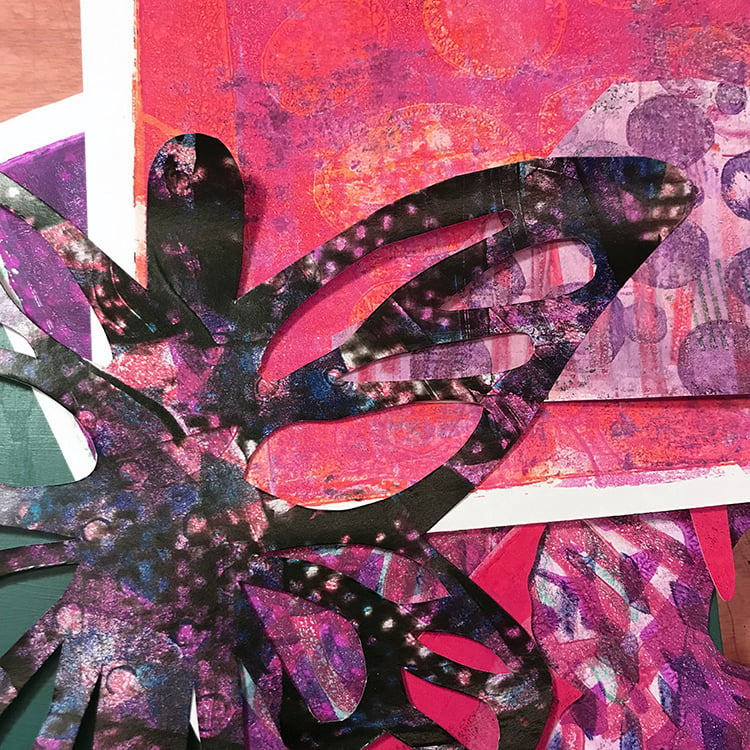
Watch a stencil cut in action, then learn what to do if something goes wrong. Tearing, lifting, weird blade skips? No worries—I’ve got fixes for all of it.
🔹 Printing with Your New Stencils
See how to use your freshly cut stencils in a real-life gel print demo—plus get inspired by how I use them in my own art journals!
🔹 Bonuses: Stencil Storage and my Stencil Inspiration Guide!
How to store your stencils to keep them safe and visible, and ideas on how to use them!
How It Works ⚙️
🎥 Instant Access – Watch anytime, at your pace
📁 Digital Delivery – Nothing ships, everything’s online
🎁 Includes: Video lessons + PDF cheat sheets + recommended materials list
💬 Supportive Tone – Gentle, clear, and judgment-free
👋 Meet Your Instructor
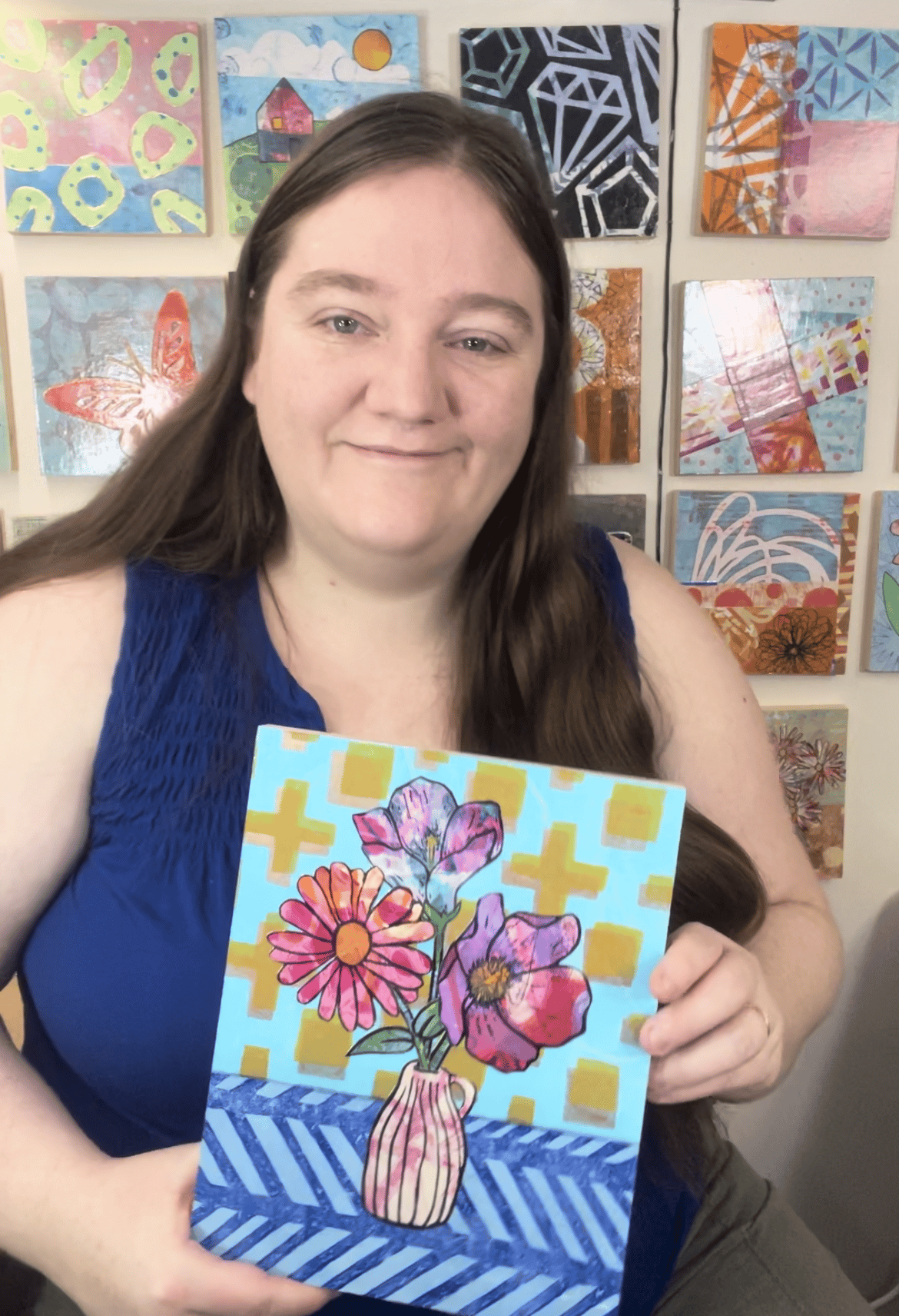
Hi, I’m Jen Akkermans—a Calgary-based artist who adores playful printmaking, art journaling, and helping creative folks like you skip the guesswork and get straight to the good stuff. I’ve tested, tweaked, and perfected the process for cutting dreamy, print-ready SVG stencils that actually work—and now I’m sharing my secrets with you.
📚 Course Curriculum
🎬 Lesson 1: Welcome
🎬 Lesson 2: Stencils 101
🎬 Lesson 3: Material Prep
🎬 Lesson 4: Silhouette Studio Set up + Settings
🎬 Lesson 5: Cutting and Troubleshooting
🎬 Lesson 6: Using Your New Stencils for Gel Printing
🎁 BONUS LESSON: Stencil Storage!
🎁 BONUS PDF: Stencil Inspiration Guide!
FAQs
-
You'll learn how to cut clean, beautiful SVG stencils using a Silhouette Cameo cutting machine—perfect for gel printing, art journaling, and mixed media. We’ll cover every step, from identifying good stencil images, choosing your materials + settings, loading and cutting with your machine, and even troubleshooting for when things go sideways.
-
Absolutely! This course is designed with adventurous creatives in mind—especially if you’re new to cutting machines or feeling unsure about SVGs. No techy jargon or overwhelm, just bite-sized lessons and step-by-step guidance.
-
You’ll need:
- A Silhouette machine (I use Cameo, but any version should work)
- Silhouette Studio software (Free or Designer Edition)
- Material to cut (like Mylar, Yupo, or cardstock)
- A cutting mat and blade
- Optional: gel plate, brayer + acrylics if you want to print right away!
A full supply list is included in the course.
-
It’s short and sweet— about 30 minutes total, broken into 6 modules (+ a bonus!) that you can watch at your own pace. Perfect for a weekend creative boost or a cozy evening project!
-
Yes, this course is specifically for Silhouette Cameo users. If you're using a Cricut or ScanNCut, this course won’t be a perfect match—but stay tuned, I may create one just for you!
-
You’ll get instant access to video lessons hosted here on Payhip, plus downloadable resources like a Troubleshooting Guide and my Cut Settings Cheat Sheet!
-
Yes! You’ll have lifetime access to the course materials, so you can revisit any time your creative spark needs a refresh.
-
Due to the digital nature of the course, refunds aren't offered—but I’m always here to help if you run into any trouble or have questions.
-
Yes! There's multiple - learn how I store my stencils for easy access, and get my Stencil Inspiration Guide! AND you'll get a discount on a bundle of the svg stencils you see in the course. What could be better than that?
-
You can reach out anytime! Send me a message through the contact form or email jen @ jenniferakkermans.com, and I’ll be happy to help you out.
🌟 Let’s Make Some Stencil Magic - Together! 👯♀️
You can do this.
You just need the right guide, the right steps, and a gentle push to start.
Let’s turn your Cameo into your favorite creative tool.
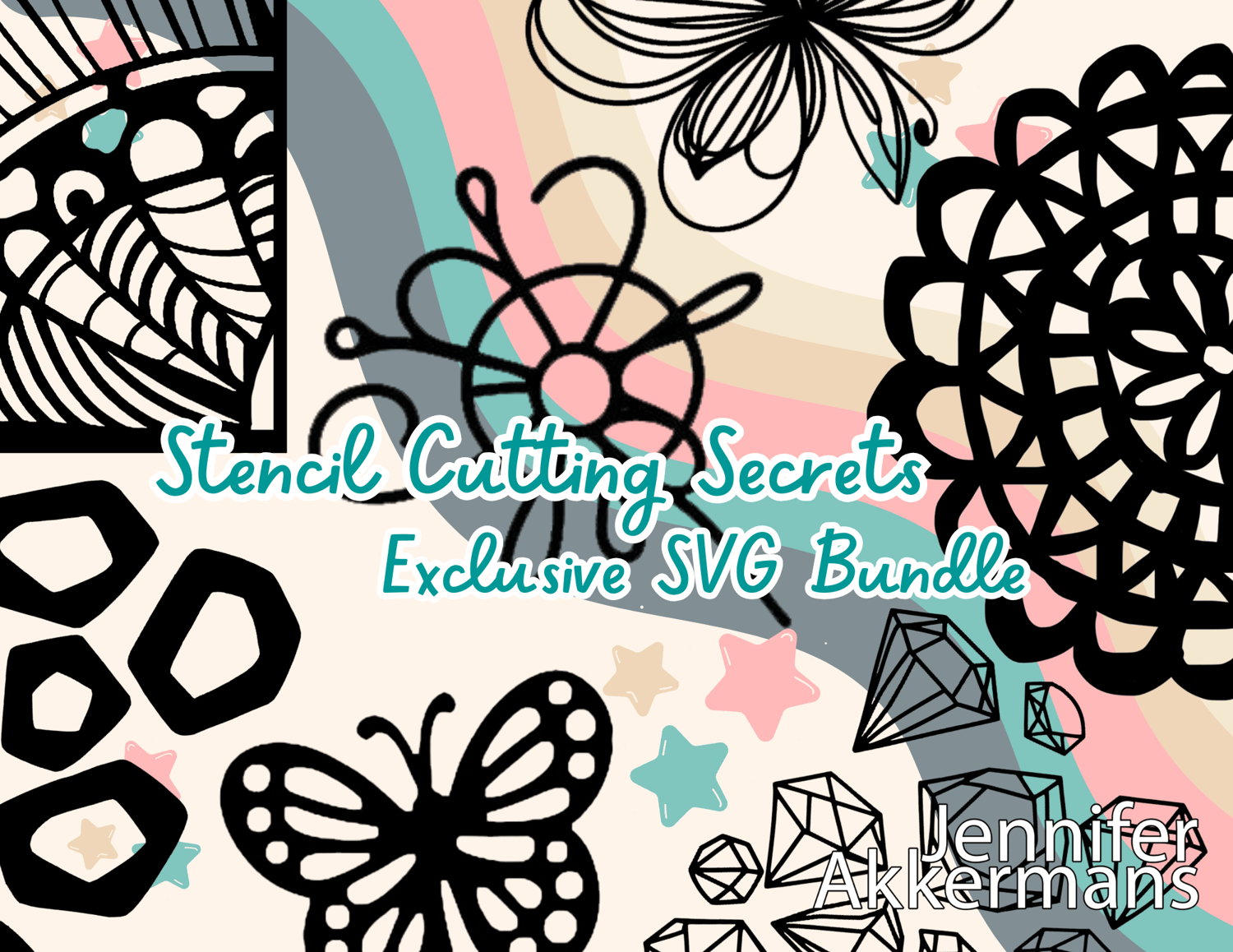
Want More SVG Stencils?
Add my
Ready-to-Cut SVG Stencil Bundle
to your order at checkout!
Artist-designed, gel plate-tested, and ready to go—
just open, cut, and print!
Friendly Note: I’m just a happy Silhouette Cameo user sharing what I’ve learned! This course is not affiliated with, sponsored by, or endorsed by Silhouette America, Inc. All mentions of Silhouette products are simply so you can get the most from your own machine.